Hunter Irrigation Controller Programming
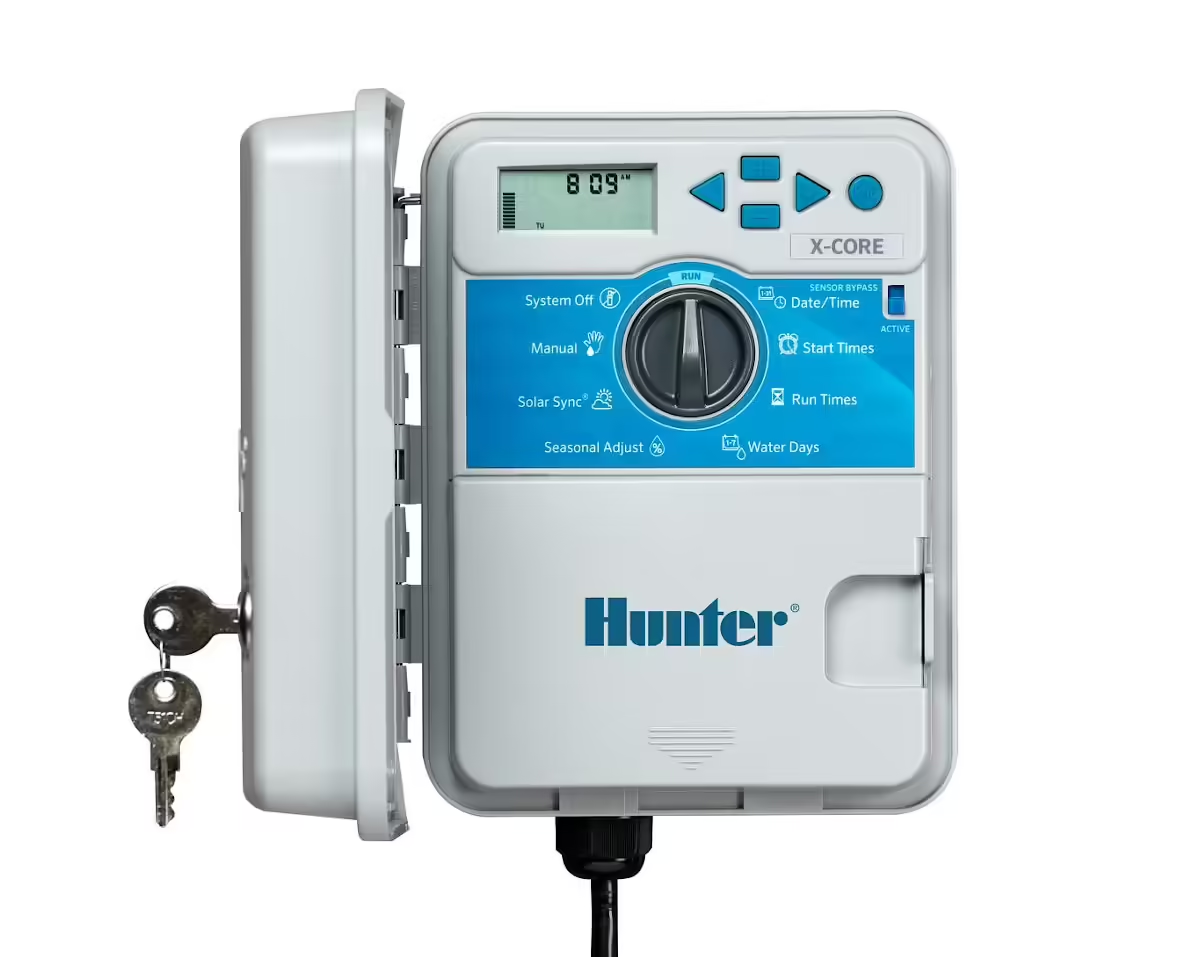
The Hunter X-Core Irrigation Controller
This entry-level residential controller offers simple operation with Solar Sync® compatibility. With easy-to-configure control for up to 8 stations, including 3 programs and 4 start times each, the X-Core is the perfect solution for residential applications. Install the smart Solar Sync ET Sensor to regulate irrigation run times daily based on locally measured weather. The X-Core is also compatible with Hunter remotes for quick, wireless activation of irrigation. Installation, operation, and maintenance are designed to be simple while still delivering optimal efficiency and reliability.
Hunter Industries Hydrawise Series
Hunter X-Core Irrigation Controllers
Program the Hunter X-Core Controller
Set Current Date and Time:
Turn the dial to “Current Time/Day” and use the buttons to set the correct date and time.
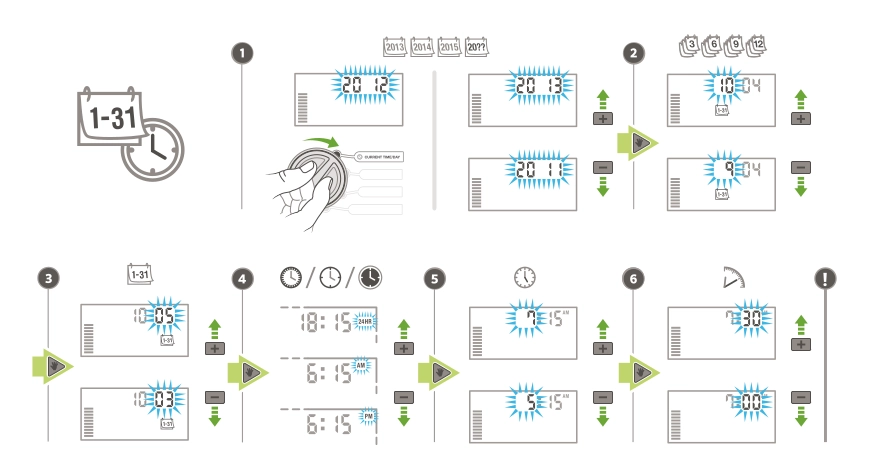
- Set the year by pressing the up arrow button and the right arrow to move on.
- Set the month using the up & down arrow buttons and the right arrow to move on.
- Set the day using the up & down arrow buttons and the right arrow to move on.
- Choose between a.m./p.m./24 hr, using the up & down buttons and the right arrow to move on.
- Set the hour using the up & down arrow buttons and the right arrow to move on.
- Set the minutes using the up & down arrow buttons.
Set Watering Start Times:
Turn the dial to “Start Times” and set the desired start times for each program (A, B, C). Note: for most users a single program is all that is required, usually program A.
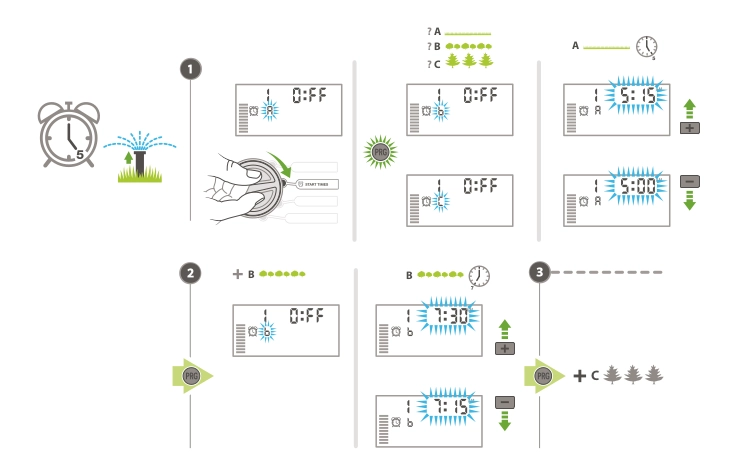
- Using program A, set the first start time; e.g. 7.30 am. If you require a second start time, press the right button to start time 2 and add the time; e.g. 7.30 p.m. Use the right arrow to move on.
- Only add start times to programs B & C if needed, otherwise leave them in the off position.
Set Station Run Times:
Turn the dial to “Run Times” and set the desired run time for each zone/station.
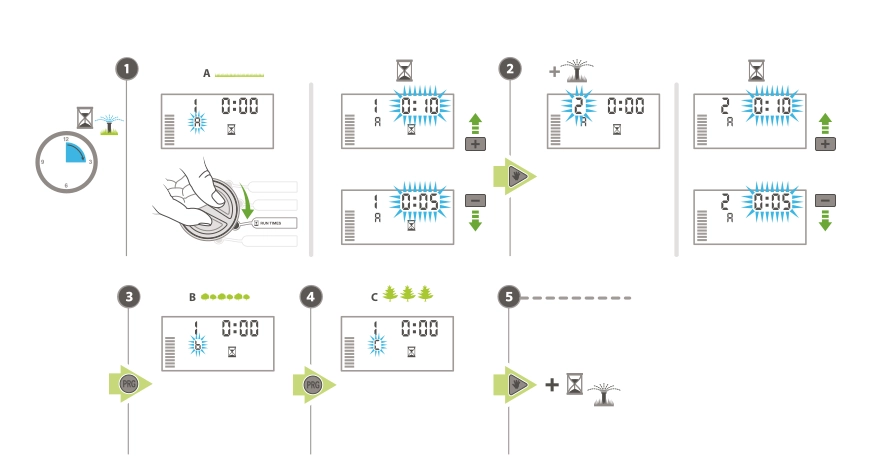
- Set the run time for station 1 using the up & down button; e.g 10 minutes and the right arrow to move on.
- Set any additional start times by moving forward with the right arrow button.
- Only add start times to program B if needed.
- Only add start times to program C if needed.
Set Watering Days:
Turn the dial to “Water Days” and select the days you want to water.
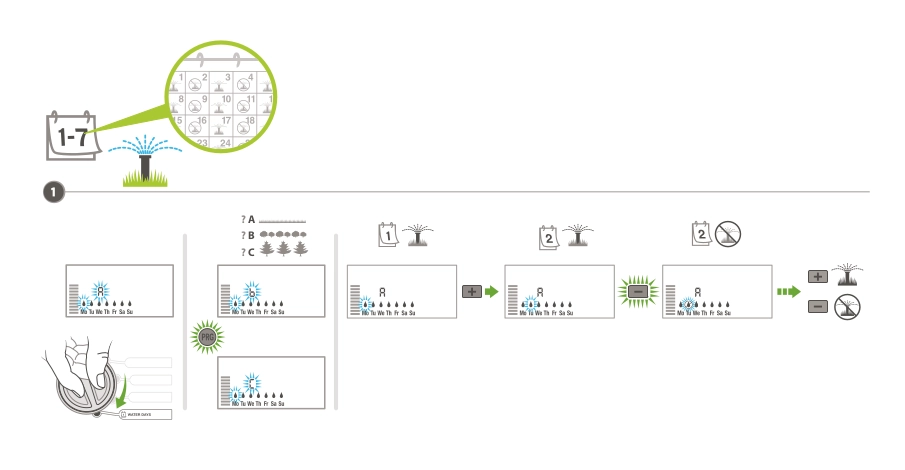
- Choose which days of the week you want the system to run, use the right arrow to move through and select the days.
💡 Pro-Tip
Customers often call us with reports of unusual start times or systems running for many hours. The most common cause is multiple start times added to programs A, B & C. Most users only need to add start and run times to program A.
Test the System:
- Turn the dial to “Manual – All Stations” to run through each zone manually and ensure everything is working correctly.
Final Adjustments:
- Return the dial to the “Run” position.
- Secure the controller cover if applicable.
- Make any necessary adjustments to the programming based on your specific needs.
By following these steps, you should successfully program your Hunter X-Core irrigation controller. Familiarise yourself with the user manual for any additional features and troubleshooting tips.
Expand your Irrigation System with the Latest Tech

Hunter Soil-Clik Soil Moisture Sensor
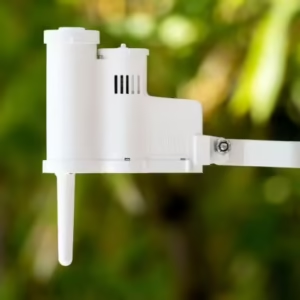
Hunter Rain Clik Sensor
Hunter X-Core Controller
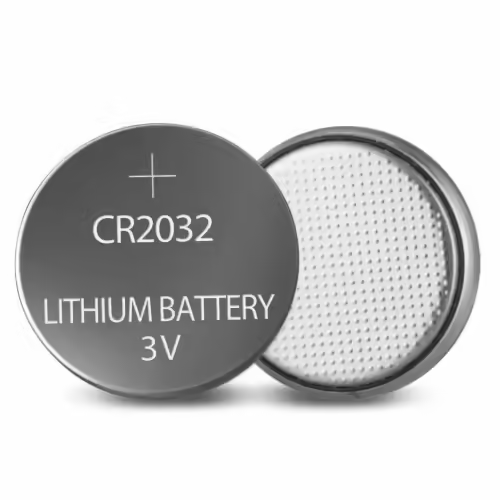
CR2032 Lithium Battery
From AU $1.40
Hunter X-Core Programming Videos
X-Core Overview and Setting Up Program A
X-Core Multiple Programs and Additional Features
Read ‘How to Install a Hunter X-Core Irrigation Controller’
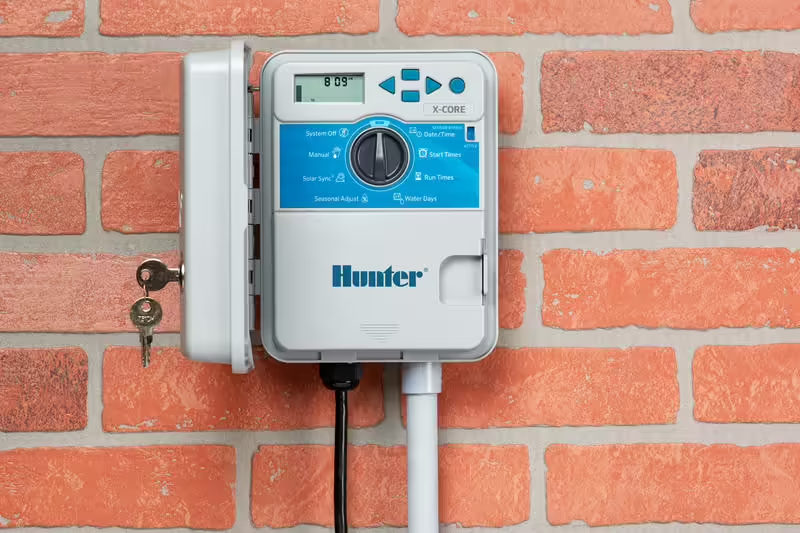
How to Install a Hunter X-Core Irrigation Controller
By following these Step-by-Step Instructions, you can successfully install your Hunter X-Core irrigation controller.
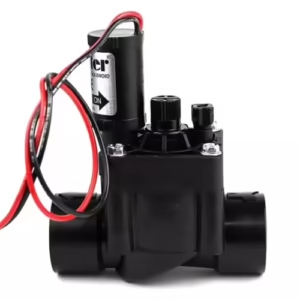
Hunter Irrigation Solenoid Valves
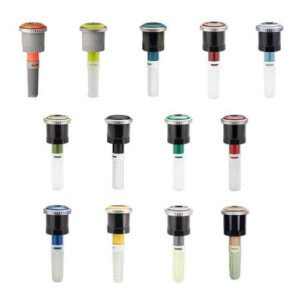
Hunter MP Rotators
Visit the Hunter Industries website
Irrigation Controllers: Supply, Delivery & Installation
Top End Gardens have been supplying and installing quality irrigation controllers and sprinkler timers for over 20 years. If you’re having issues with your controller or would like to find out more about upgrading, Get in Touch today.
Read the Hunter X-Core Controller Review
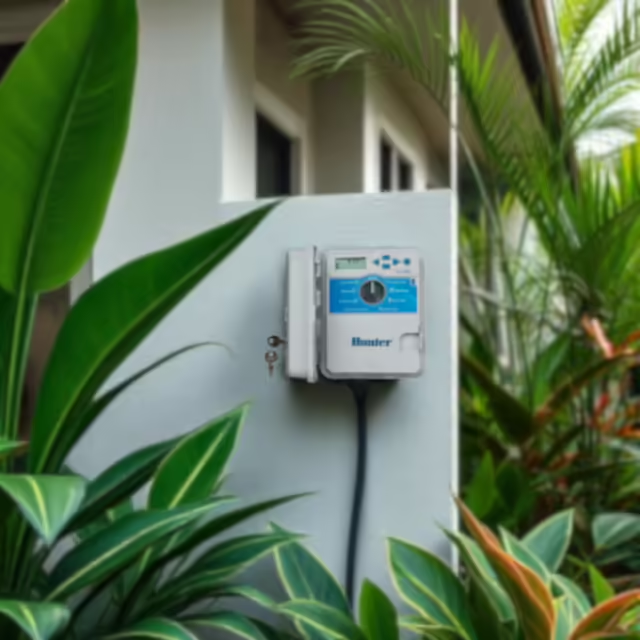
Hunter X-Core Irrigation Controller Review
Discover the Hunter X-Core Irrigation Controller series, designed for efficient and reliable irrigation management across various landscapes.


⭐⭐⭐⭐⭐ Don’t Miss Out on These Great Deals From Our Ebay Partners!
TopEndGardens.com is an eBay affiliate partner, that means when you buy through the Top End Gardens website, you can take full advantage of eBay’s Great Benefits and Features, including WorldWide Free Shipping on many items and a 30 Day Money Back Guarantee (Ts & Cs apply). Learn more about the Ebay Partner Network here: https://partnernetwork.ebay.com
Professional Wire Strippers
Irrigation Wiring MultiMeters
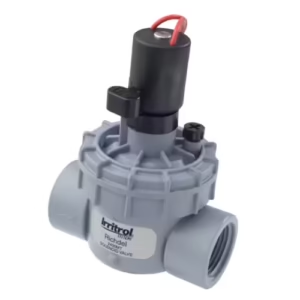
Irrittrol Solenoid Valves